
How to Manage Background Image in Storex Pro?
1. How to Manage Background Image.
From your dashboard, go to the Appearance > Customize > Background Image.
Here you can easily manage the background image.
Publish Now
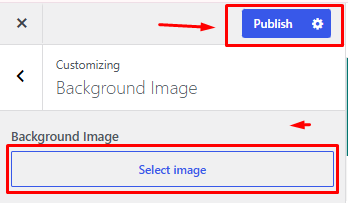

From your dashboard, go to the Appearance > Customize > Background Image.
Here you can easily manage the background image.
Publish Now